TableMacros finds macro-friendly orders at the restaurants near you, built from each chain's official published nutrition data. Tell it your goal, and it tells you what to order.
Works in your phone's browser. Add it to your home screen, no app store needed.

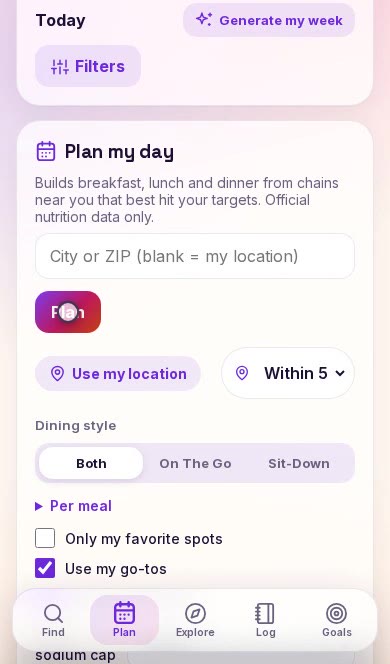
Breakfast, lunch and dinner, planned around your goals.

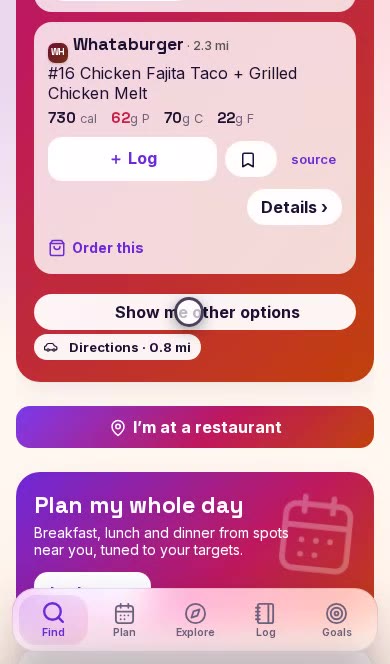
Pick a meal, and get real orders that fit your calories and protein, starting with your favorite spots nearby. Not feeling them? Tap “Show me other options.”

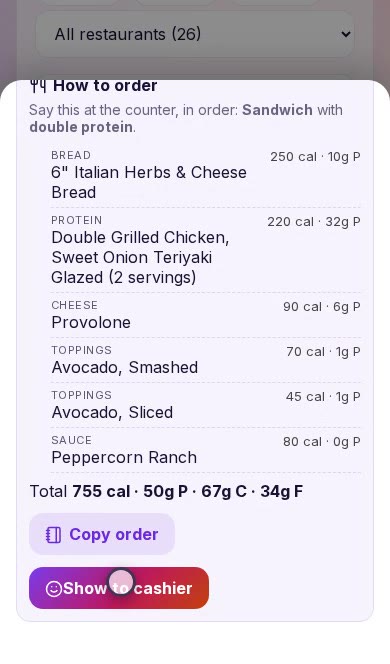
For build-your-own places like Chipotle and Subway, it builds the order for you and spells it out. Tap “Show to cashier” and hand over your phone.

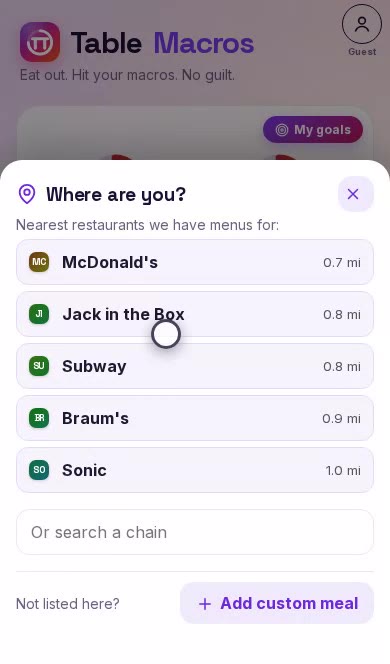
Already at a restaurant? Pick it from the nearest list and see the best orders for your next meal.

Breakfast, lunch and dinner from places near you, sized to your daily target.

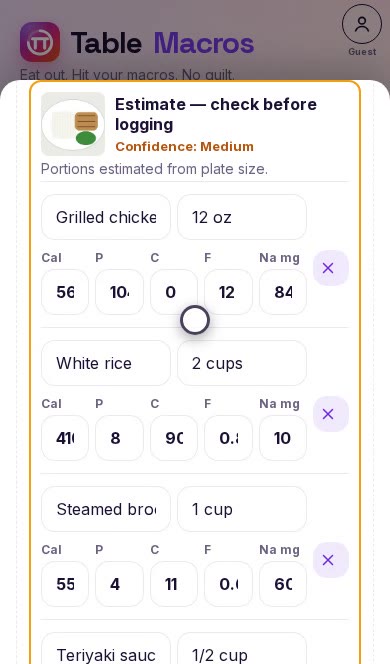
Add a custom meal by typing it in, reading a nutrition label with your camera, or getting an AI estimate from a photo of your plate. Estimates are clearly marked so you can check them.

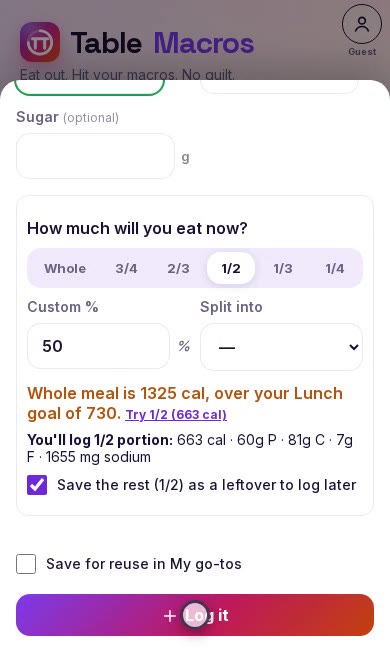
Split a big meal into portions, log just what you eat, and save the leftover for later. Sodium is tracked too.
See it work with real restaurants.
Start with a 7-day free trial of Premium.
Right now TableMacros is free to use while we finish Premium. No payment is collected yet.
From each restaurant chain's official published nutrition information. Custom meals and photo estimates you add are kept separate and marked as yours.
No. Everything works on your phone without one. Sign in with your email only if you want your log and favorites synced across devices.
TableMacros runs in your browser. On iPhone, open it in Safari, tap Share, then “Add to Home Screen.”
They're a starting point. The AI guesses portions from your photo, shows a confidence level, and lets you edit every number before you log it.
Only when you ask it to find places near you. You can also type a city or ZIP instead.
Hundreds of US chains, from fast food to fast casual. If yours isn't listed, add a custom meal.